The official servers are gone. This free launcher brings multiplayer back: quick play, your own games, friends and squads, saved progress and the classic maps from 2021 to 2023.
FreeNothing to pay, nothing to buy.
Made by the communityPlayers keeping Propnight alive.
Not affiliated with Fntastic or MytonaNot endorsed by them. Propnight and its art belong to their owners.
Your game files stay the ones from Steam. The launcher adds the online part back, and one click removes it.
Pick killer, survivor or any role, and get a game with a ping under 150 ms.
Host a public game and choose your role. Custom Game makes a private one for your friends. Nobody ever sees the host's IP.
See who is online or in a game, join in one click. Invites pop up inside the game: JOIN or IGNORE.
Coins, skins, characters and rank stay on your account and follow you on any PC.
Once per account, Settings › Progress gives you level 300, every character at level 10 with their perks, and unlocks every character and class. Skins and coins are not included.
Every match: the map, your character, your MMR and everyone's results. Your last one is on the home page.
Post ideas, vote on them and on polls, comment. The team answers and marks what gets done.
From the launcher or straight from a match, with up to 3 clips. A notification tells you when the team answers.
English, French, Russian, Spanish and German. Patch notes and this site too.

Have the latest version installed on Steam.
No installer: download PropnightRevival.exe and run it from anywhere.
Pick a username and a password. An email is optional.
The launcher finds the game, installs the revival files and starts Propnight.
Every map of the last version of Propnight, in quick play and Custom Game.
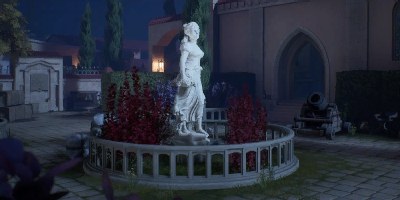
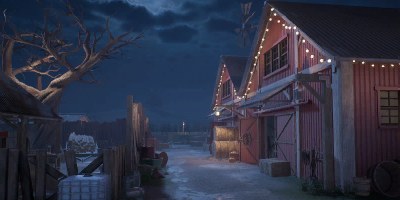
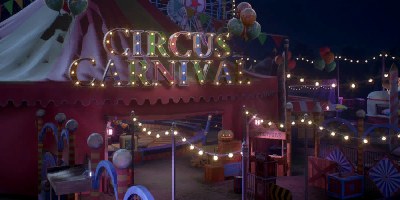

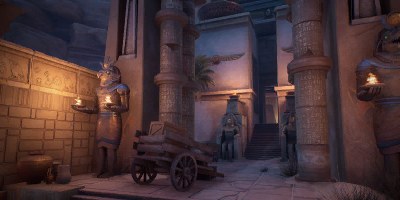
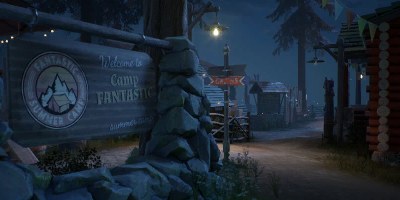
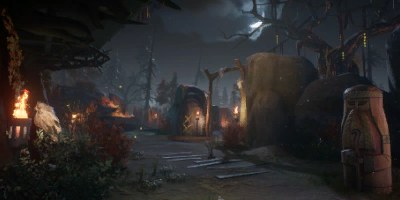
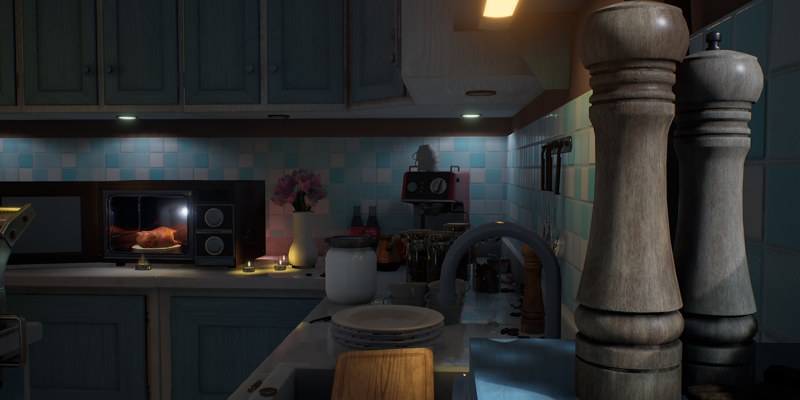
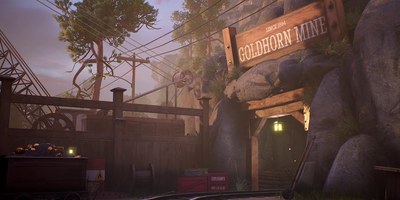
Maps that left Propnight, each as it last was. In the launcher's Maps & DLC tab, install only the years you want, or all of them with Install all. Quick play only sends you to maps you have.
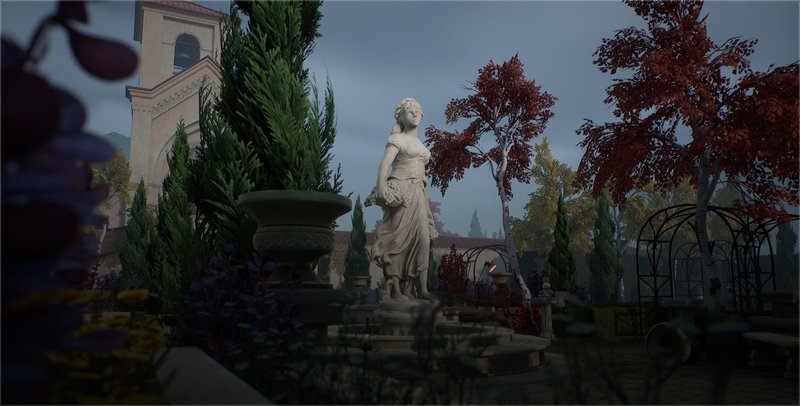
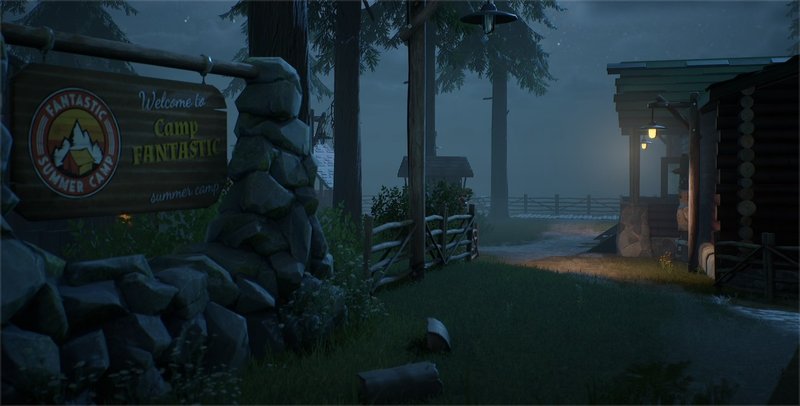
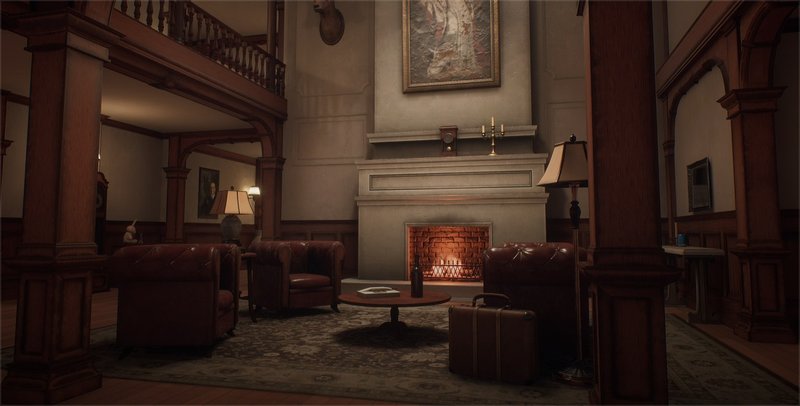
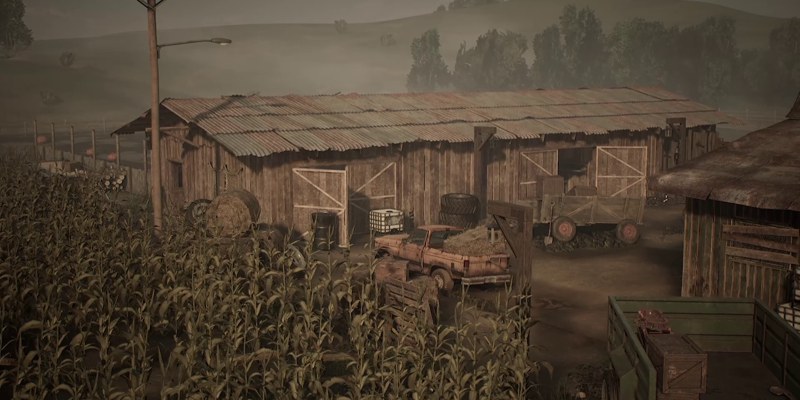
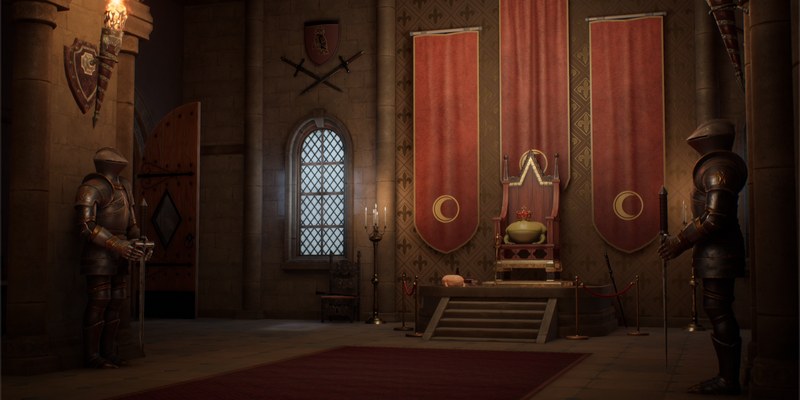
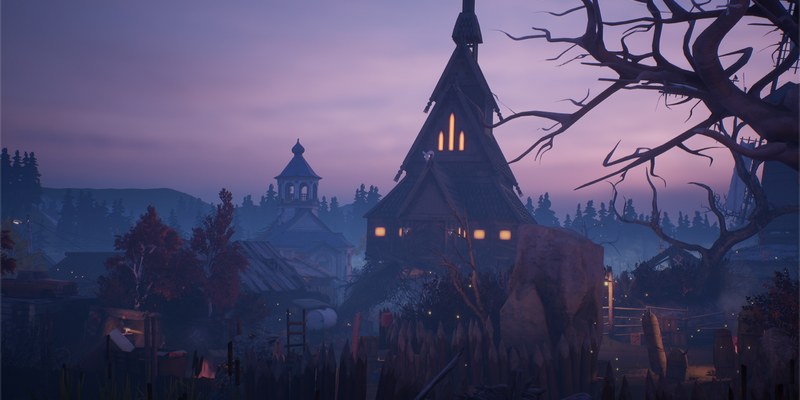
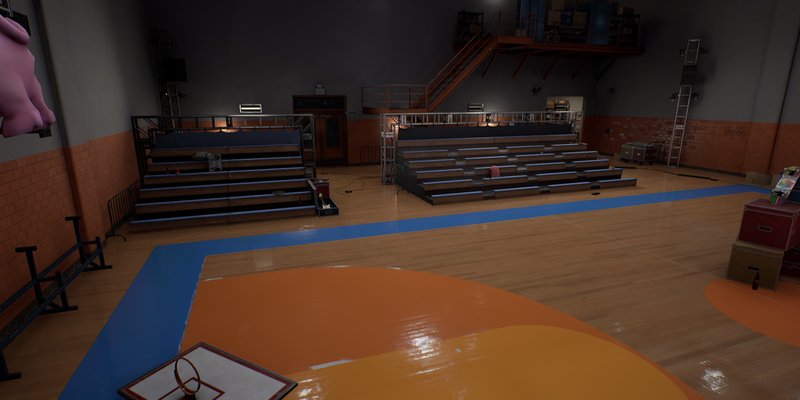
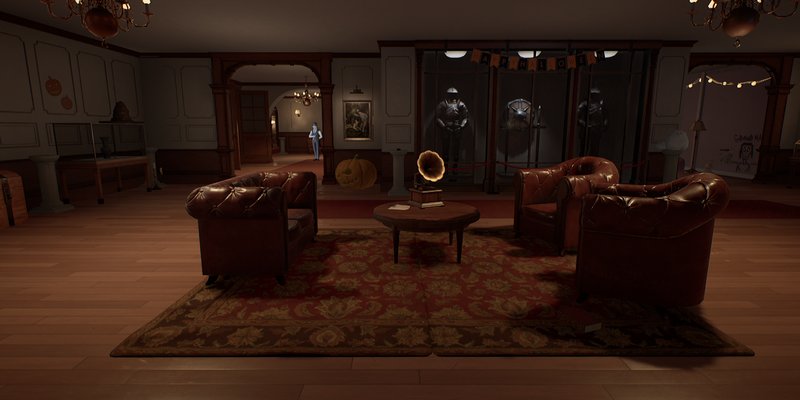
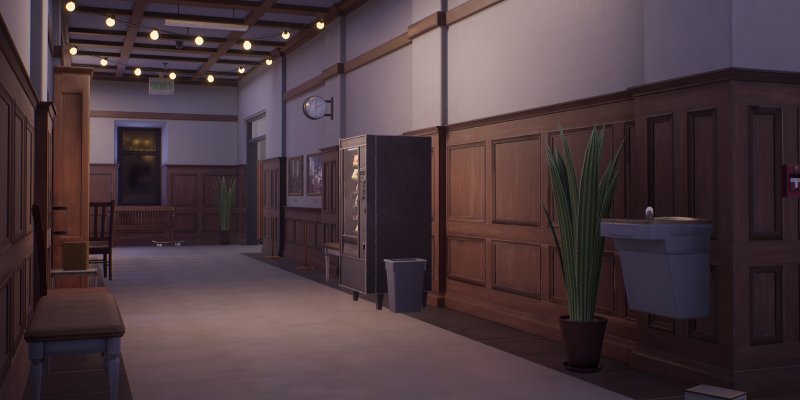
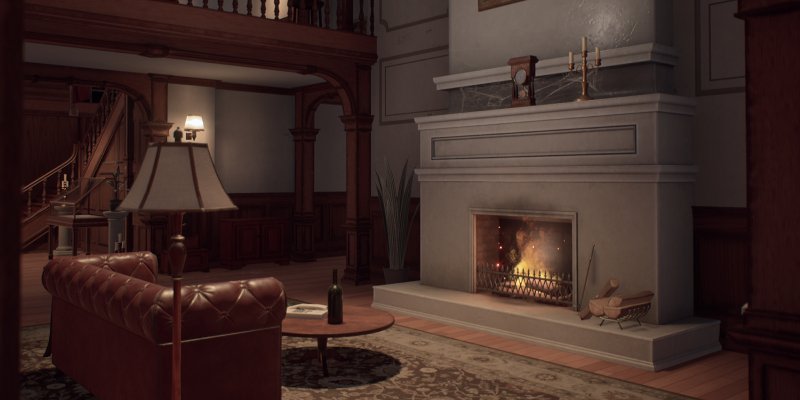
Account, friend invite, lobby, a full match and the results screen, from the launcher to the end of the game.
SHA-256: loading…The same notes as on the launcher's home page, for the version everyone gets.
Loading the patch notes…
What is already back, what we're working on now and what comes after, roughly in this order. Plans can change along the way.
Bots to fill your game. The base game has no AI players at all, so they are being built from scratch: it will take a while.
Every public game listed inside Propnight itself, with its map, players, region and ping.
Invite friends and join their games in a few clicks, without going back to the launcher.
Chat with your friends in the launcher, and find other players to team up with.
Set up your custom game before you start it:
New maps made for the revival, playable like the others.
Tools for the community to make their own maps and mods.
Dev updates are posted in the dev-updates channel on our Discord.
Nothing is hidden. This is everything the launcher adds or changes, grouped by what it is for. Files it replaces are first copied to Propnight\revival-backups, and Settings › Uninstall revival files puts them all back.
Win64\dwmapi.dllStarts UE4SS when the game starts. Windows loads it next to the game: the standard way UE4SS mods are installed.
Win64\UE4SS.dllUE4SS 3.0.1, an open-source modding framework for Unreal Engine games, with one small fix: it refuses to run scripts outside the game's main thread, which crashed the game.
Win64\UE4SS-settings.iniIts settings. The debug console is turned off.
Plain text scripts in Win64\Mods\. Open them with any text editor.
PropnightLoginBypasser\main.luaGets past the "press any key" and login screens, which used to wait for the shut-down PlayFab servers.
PropnightLocalMap\Scripts\main.luaStarts the other scripts and works out if this game is the host or a player.
hosting.lua · mapselect.luaHosting and joining games from the game's menu, and the map selector.
social.luaFriends, invites and party messages shown in the game.
lobby.luaThe lobby: the list of players, the killer slot, ready checks.
maps.lua · lootbox.luaThe maps' spawn points and manholes, and the loot boxes.
fixes.luaFixes for games hosted by players: things the official servers used to do.
endscreen.lua · hostleft.luaThe end of a match: results, ranked points, the match record, and what happens when the host leaves.
commands.lua · overlay.lua · channel.luaOrders from the launcher (host, join, invite), the link to the launcher while you play, and the check that a test version is really one.
diagnostics.luaWrites what goes wrong to the game's log (UE4SS.log), which is only sent if you send a bug report.
anticheat.lua · RevivalGuard.dllThe anti-cheat, explained below.
online.txt · avatar.pngThe addresses of the revival servers, and the default picture shown in invites.
No driver, no memory scan, no screenshots, nothing read outside the game folder.
anticheat.luaWatches the match for cheating and sends a short summary to the server through the launcher. It only looks at the match itself, nothing else on your PC.
RevivalGuard.dllChecks once, when the game starts, that the revival's Lua scripts are the published ones. It has no network access: the launcher sends its answer. If a revival script was changed, the launcher may send that script's text to the team.
The launcherLooks for known cheat tools among the names of the running programs. Lua mods, DLLs next to the game and paks that are not the revival's or the game's own are turned off (renamed, kept). Online games need the game started with PLAY.
Win64\RevivalRelay\RevivalRelay.exeRuns only while you host a game. It lists your game on the server and carries the other players' traffic through the relay, so your IP address is never shown to them. It stops by itself when you leave.
Paks\…_RevivalOnline_P.pakA tiny pak that points the game at the revival servers instead of the old Amazon / PlayFab ones.
Paks\…_RevivalFixes_P.pakGameplay fixes for games hosted by players, and the old killer skins working in matches.
Paks\…_RevivalMenu_P.pakThe list of the game's map selector.
Map packs: only installed for the packs you turn on in the Maps & DLC tab, and removed if you turn them off.
A few bytes are changed, each one listed in the signed update manifest. The launcher first checks the exe is the official Steam version, and keeps a backup.
Win64\revival-*.txt and .jsonl: small files the launcher and the game use to talk to each other. They hold the game state, your friends list and invites, your match results and reports, and the anti-cheat summary. They hold no password.
%APPDATA%\PropnightRevival\The launcher's settings (your login token is encrypted for your Windows user), its log, and backups of your save made before a profile is restored.
Propnight\revival-backups\The original Steam files the launcher replaced. Settings › Uninstall revival files puts them back and removes everything listed here.
No. Propnight Revival is a free, non-commercial community project, not affiliated with or endorsed by Fntastic or Mytona. Propnight and its art belong to their owners.
Yes. Everything the launcher adds to your game is listed above, and the launcher's code is public, so anyone can check what it does. The launcher only installs updates that come from the project: if a file was changed by someone else, it refuses it.
Windows or your browser may still show a warning the first time, because the launcher is new and not widely downloaded yet. On the blue Windows screen, click "More info" then "Run anyway". You can also look at the VirusTotal scan above.
The official servers are shut down, so the game alone can no longer find or host online matches. With Propnight Revival you can: it brings back quick play, custom games, friends and saved progress on community servers. You need your own copy of Propnight (the latest version) and the free launcher.
No. The launcher only adds the revival files to a copy of Propnight you already have: it does not download the game, and we cannot provide the game's files.
If you don't own it yet, Propnight Steam keys are sold on key reseller sites, often for about $3. Activate the key on Steam, install the game, then run the launcher.
Propnight's official servers have been shut down, and they were the ones keeping your coins, skins, rank and matches. Your Steam login alone can no longer do that.
The revival runs its own servers, and your account is how they know who you are: your progress is saved on it and follows you on any PC, and friends can find and invite you.
A username and a password are enough, or sign in with Discord. An email address is optional, only to get your password back.
No. Your coins, skins and rank from before were kept on Propnight's official servers, which have been shut down: nobody can get them back. Everyone starts again on the revival.
To get going faster, Settings › Progress in the launcher gives you, once per account, level 300, every character at level 10 with their perks, and unlocks every character and class. Skins, coins and rank are not included.
Yes. Your progress is saved on your revival account, not on the PC. Install the launcher on the new PC and sign in with the same account: before the game starts, everything comes back (coins, skins, characters, rank and challenges).
Yes, keep it open (it minimizes itself when the game starts). While you play it saves your progress online after every match, tells your friends you are in a game and brings their invites into the game.
If you close it anyway, the game keeps running: the launcher asks first and never closes the game. Your progress is then saved the next time you open the launcher.
No. They are free and optional, in three packs: 2021 Classic, 2022 Classic and 2023 Classic. Install the ones you want in the launcher's Maps & DLC tab. Without them you still play every map of today's game; quick play only sends you to games on maps you have.
It is in English, French, Russian, Spanish and German. Choose your language at the bottom left of Settings. Patch notes and this website are translated too.
Turn on Settings › Game › Use DirectX 11 in the launcher, then start the game again. If your graphics card made the game crash, the launcher offers it by itself. Updating your graphics driver helps too.
No. Games go through the revival relay: other players connect to the relay's address, and only the server knows where the game really runs.
Your username, a hash of your password, your game profile (coins, skins, rank and its history), your friends, the matches you played and your reports. An email address only if you add one. No real name, no payment data.
Everything is in our privacy policy.
In the launcher: Settings › Uninstall revival files (click twice). It puts back the original Steam files it had kept and deletes everything it added: UE4SS, the mods, the relay agent, the revival paks and the classic maps. Your game is then exactly the Steam version again. Then delete PropnightRevival.exe and %APPDATA%\PropnightRevival if you want.
Without the launcher, Steam can do it too: Propnight › Properties › Installed files › Verify integrity puts back the Steam files.
A question about your account, a problem, a partnership or a video about the game? Write to us: we read every message and answer by email.
[email protected]For a bug in the game, Settings › Report a bug in the launcher sends your logs with it, which helps us much more. For quick help from other players, ask on our Discord.
